
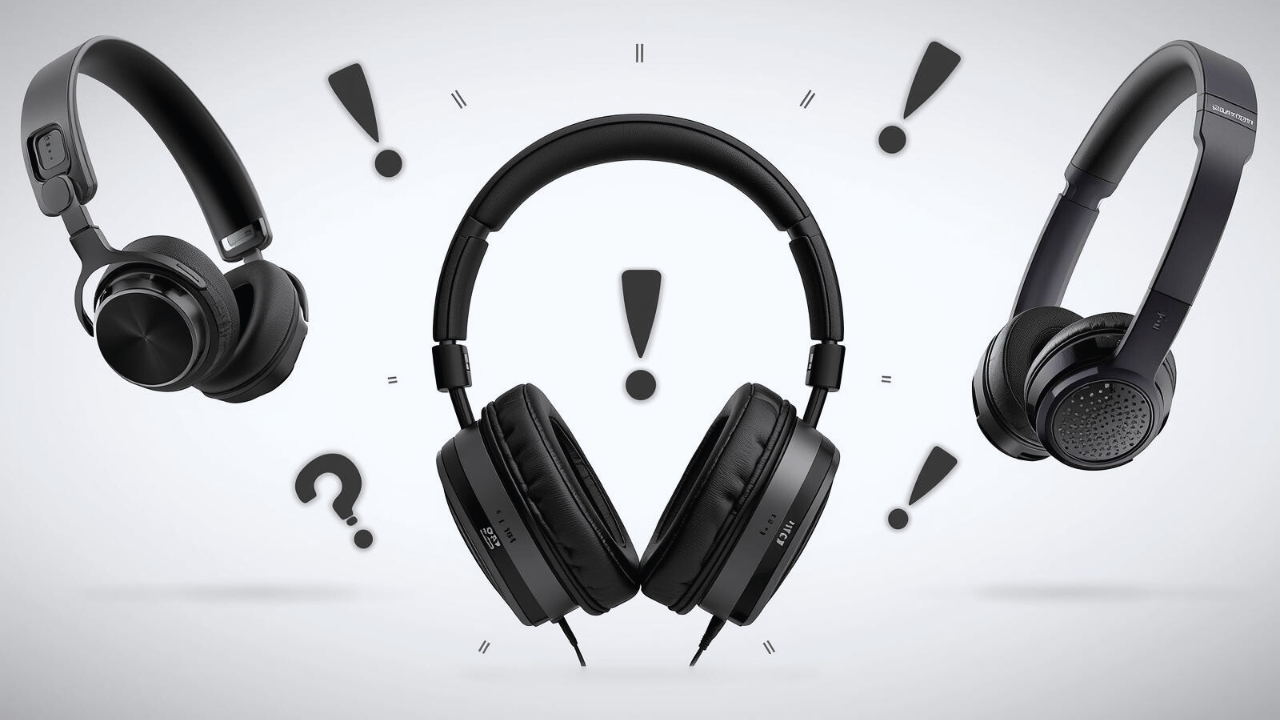
Noise-cancelling headphones are a game-changer. They do everything from helping you concentrate to listening to music while blocking out unwanted noise. However, as with any tool, they can encounter issues – particularly over time or due to misuse. Whether it’s failing ANC, unreliable Bluetooth, cruddy quality audio, or your noggin ain’t happy, troubleshooting doesn’t have to be something that is mystifying.
In this guide, we’ll run down some of the most common headphone-related problems and simple solutions to try to get your headphones back into shape.
What Users Commonly Experience
01. Weak ANC: ANC doesn’t work as well as anticipated.
02. Bluetooth Connectivity Issues: Problems with pairing or maintaining a stable connection.
03. Distorted Sound: Unclear or muffled audio.
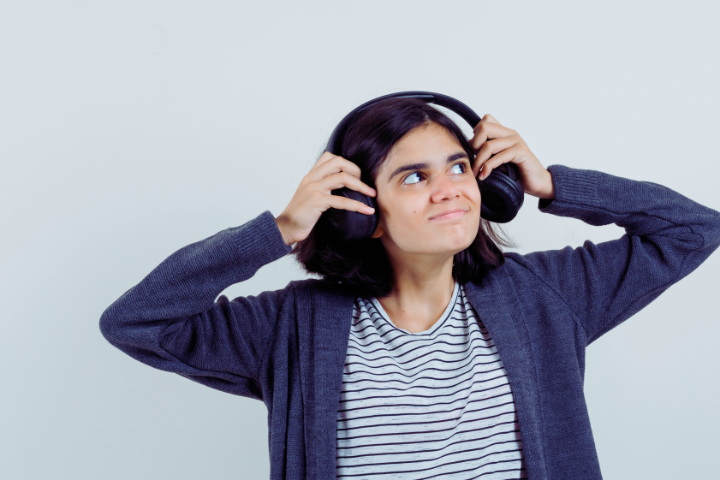
04. Ear Pressure or Discomfort: An uncomfortable fit or pressure may occur after extended use.
Why These Problems Occur
For the most part, these troubles can be fixed with a quick battery drain or an accidental setting. They may also result from overuse, especially in older models. Let’s look at how you can troubleshoot these problems and get your headphones back to normal.
Troubleshooting Tips
Issue 1: Low Noise Cancellation Performance (Weak ANC)
Why It Happens
The ANC may be weak if the headphones are low on battery or not adequately powered. It may also occur if the ANC settings are incorrectly configured.
Solutions
- Check Battery Level: ANC uses a lot of power. Make sure your headphones are fully charged.
- Reset or Power Cycle: Turn the headphones off and on. This can help fix many performance issues.
- Revisit ANC Settings: Double-check that ANC is enabled and set to the right level.
- Clean the Microphones: Dust or dirt can block the microphones that power ANC. Clean them gently with a soft cloth.
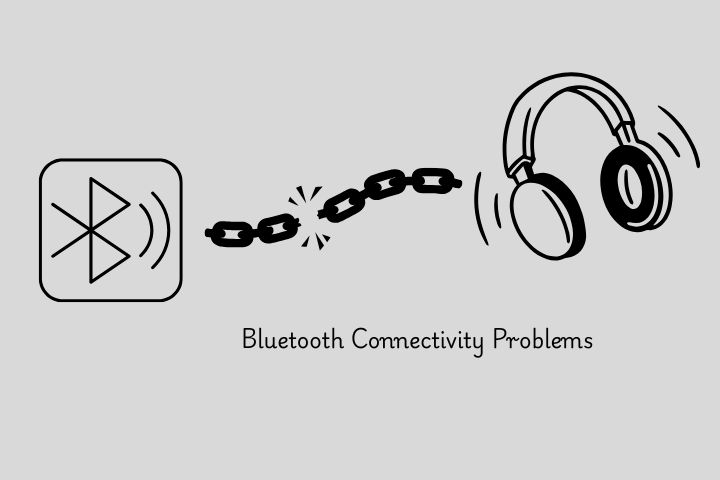
Issue 2: Bluetooth Connectivity Problems
Why It Happens
Connection problems can be due to concurrency, outdated firmware, or general issues with the device you are trying to pair the headphones with.
Solutions
- Turn Bluetooth Off and On: This can often solve connection issues.
- Forget and Repair: Navigate to your device’s Bluetooth settings, “forget” the headphones, and then re-pair.
- Try Removing Obstructions: Eliminate any physical obstructions in the area between the Bluetooth device you’re trying to connect to.
- Update Firmware: Ensure your headphones are updated with the latest calibration, if available. Device makers offer updates to address connectivity problems.
Issue 3: Distorted Sound
Why It Happens
If your headphones aren’t positioned correctly on your head, if they are plugged in loosely, or if the audio settings have been tampered with, Poor connection and misplaced pressure can result in distortion.
Solutions
- Play with the Fit: Ensure your headphones are comfortable. If a Fideliguard isn’t fitted correctly or is too loose, it can distort sound (especially with over-ear cans).
- Inspect Audio Settings: Test your audio settings and reset the equaliser to ensure accurate sound settings and prevent distortion.
- Check Cables and Connectors: For wired headphones, inspect the cables and connectors for any damage or wear. Worn cables can cause audio signals to be mangled.
- Test Another Device: Try connecting your headphones to a different device to determine the source of the problem.
Issue 4: Pressure in Ears or Ear Discomfort
Why It Happens
Over-ear headphones may put pressure on your ears after long periods, particularly if they’re too tight or the ear cups are either too small or too large.
Solutions
- Headband Adjustment: Release the pressure by loosening the headband. That could be too tight and cause some discomfort.
- Opt for Lighter Models: If the pressure on your ears is unbearable, try wearing lighter models or opt for over-ear headphones with soft pads, which won’t cause ear pain if used for long periods.
- Add extra padding: Certain models of headphones include comfortable padding or cushioning on the headband and ear cups. Where applicable, add these for additional comfort.
- Take Breaks: If you keep headphones on for long stretches, give your ears a break.
Conclusion
Simple troubleshooting steps can often solve even the most frustrating noise-cancelling headphone problems. Whether it’s a translucent case grip, operating system issues, or other assorted problems, many have simple solutions.
You can check the battery. You can adjust settings on your phone. You can also re-pair a Bluetooth connection. However, if none of these fixes works, then your headphones may need to be sent in for professional repair.
When to Seek Professional Repair:
Persistent Problems: If troubleshooting doesn’t work, the problem may be more serious.
Physical Damage: If your headphones have been physically damaged, such as with broken ear cups or a driver issue, it is best to seek professional repair or replacement services.
Preventative Tips
Keep Safe: Avoid storing your earphones in any place without protection, and avoid placing them in a bag that gets wet or scratched.
Frequent Cleaning: Regularly clean the headphones, particularly the microphones and ear cups, to maintain ANC performance.
Maintain Firmware Up to Date: Always check for firmware updates to ensure your headphones run smoothly.
⟳ Post on Nov 23, 2025

0 Comments